

![Projector with 5G WiFi and Bluetooth, Native 1080P Projector[Projector Screen Included]](https://bunavo.shop/wp-content/uploads/benvoria-source/8900d2465b77c357d0016f28a252bf0b.jpg)
Projector with 5G WiFi and Bluetooth, Native 1080P Projector[Projector Screen Included]
999 in stock
-
Detail
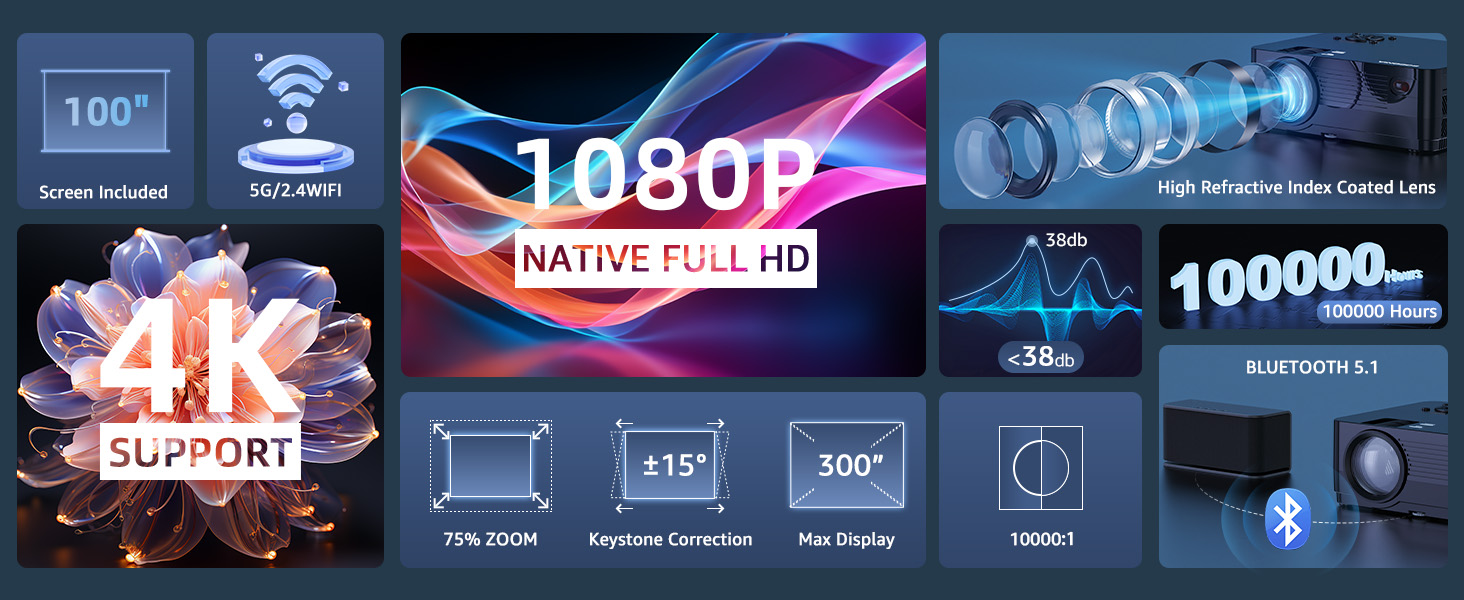
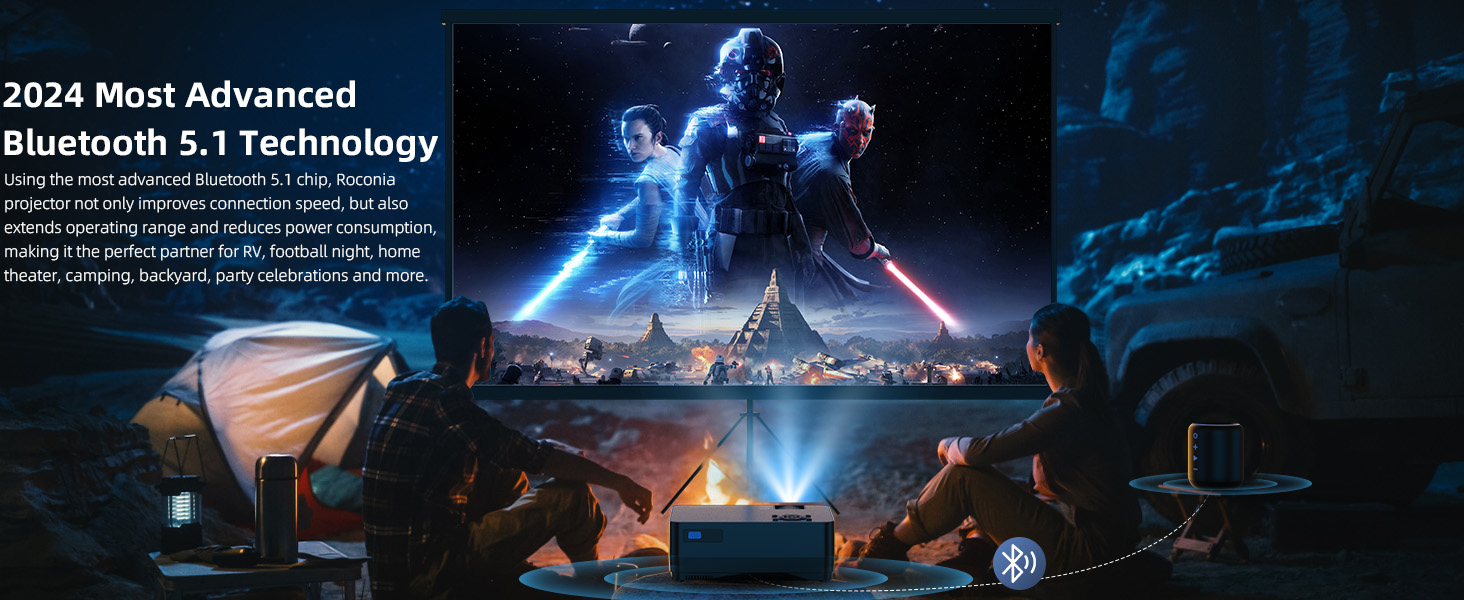
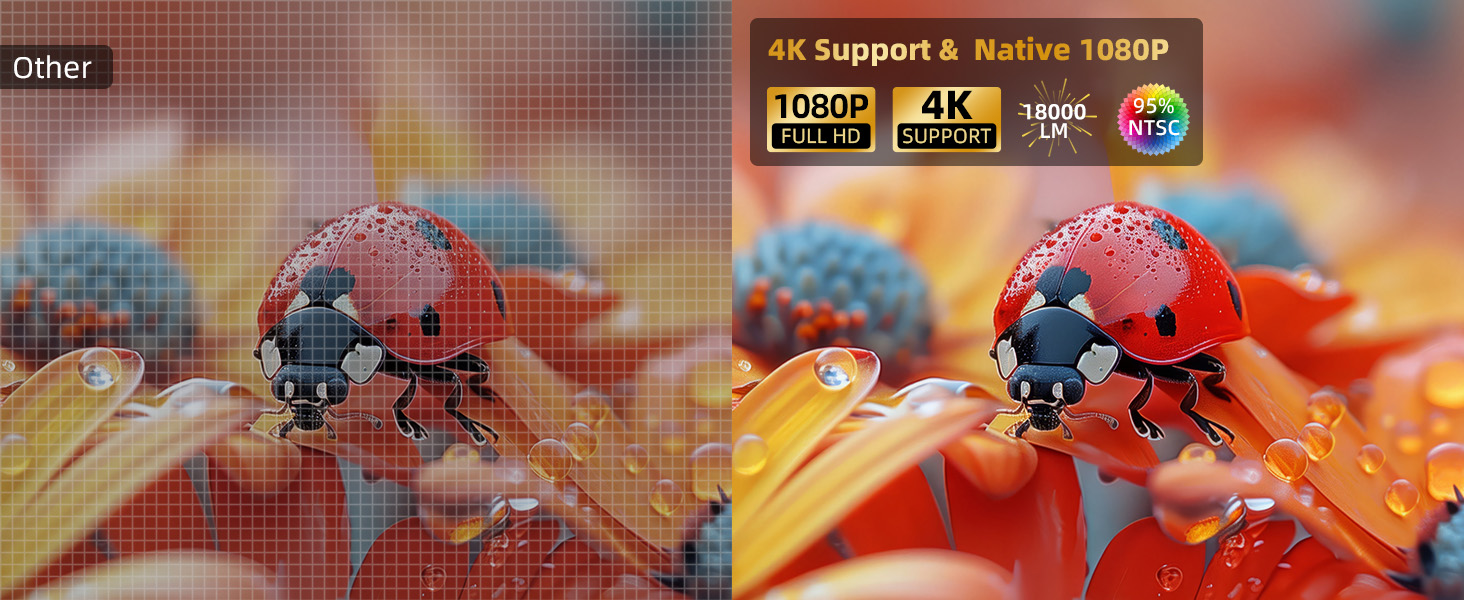
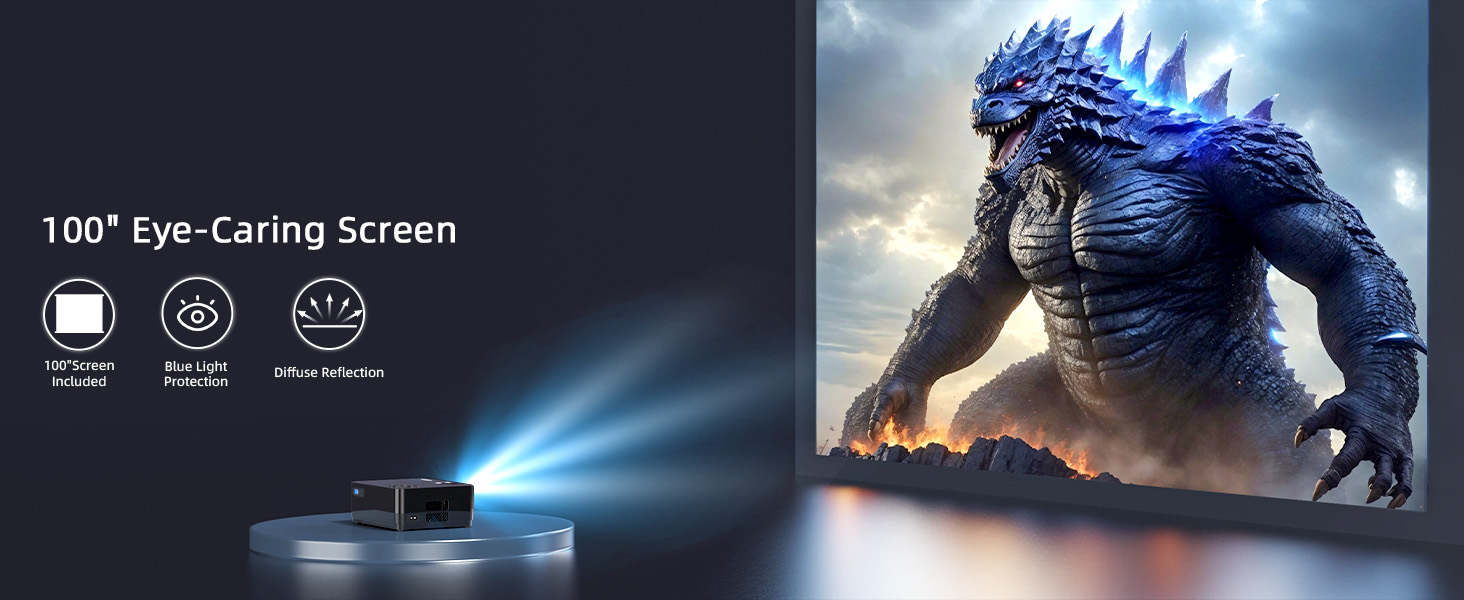
Additional Features Display and 75-100% Zoom Function, 2.4G WiFi Connection, ★Bluetooth 5.1 Function, ★Comes with a 100'' projector screen and bag, ★Native 1080P Full HD Resolution Connectivity Technology Wired/Wireless/Bluetooth/WiFi/HDMI/USB/AV/3.5Audio Native Resolution 1920 x 1080 Display Resolution Maximum 1920 x 1080 Pixels Display Type LCD Form Factor Portable Mounting Type Ceiling Mount/Tripod Mount/Table Mount/Wall Mount Brightness 18000 Color Black Wattage 150 watts Controller Type Button Control Compatible Devices Television, Gaming Console, Speaker, Laptop, Smartphone, Tablet, Gaming Consoles, Smartphones Contrast Ratio 10000:1 Maximum Throw Distance 32.8 Feet Light Source Operating Life 1000000 Hours Maximum Image Size 100 Inches Lamp Wattage 60 Watts Voltage 120 Volts Hardware Connectivity 3.5mm Audio, AV Port, Bluetooth, HDMI Control Method Remote Minimum Throw Distance 3.28 Feet Vertical Keystone Correction 15 Inches Minimum Image Size 30 Inches Video Encoding H.265 or VP9 Picture Quality Enhancement Technology Advanced Color Engine 
How to connect to iPhone/Apple devices.
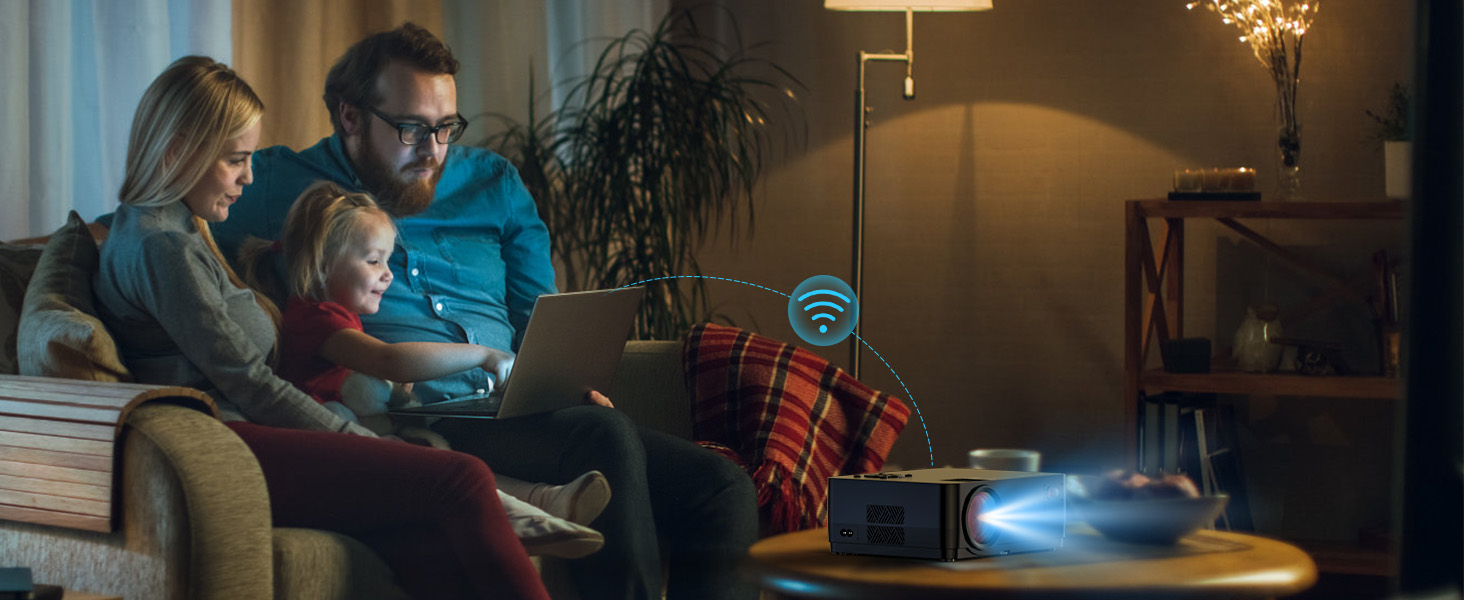
1. Connect your Apple device and projector to the same WIFI
2. Press exit return “waiting for projection�?page.
3. Select the video / movie on your phone. Click Screen Share (the square icon)and connect to device 'Roconia'
Some videos on video websites are incompatible and cannot be played.
Due to copyright restrictions some movies MAY NOT be mirored or cast, but you can use a Tv stick to connect a projector to solve this problem.
Hulu and Disney not compatible
Due to HDCP copyright issues, Disney / Hulu prohibits playing movies directly from the projector. You can use a TV Stick to connect the projector to watch movies from Hulu, and other similar services (TV Stick is not included).
Projector did not support android devices through the HDMI port.
We recommend using the wireless screen sharing function, which can wirelessly cast the Android device to the projector. It is more convenient and faster than a wired connection.
Unable to connect to phone/tablet.
Please make sure that the projector and your phone connect to the same home WiFi. When using the same screen mirroring function or Airplay function of the projector, please make sure that your projector is kept on the "waiting for projection" page.
Notes:
1.Make sure your mobile device is close to the projector when using wireless connection. A distance within 3ft is recommended .
2.Some mobile devices may not support screen mirroring due to the compatibility
3.No matter the projector is connected to a 5GHZ or 2,4GHZ network, the phone must be connected to the same WIFI as the projector.
4.The fluency of screen mirroring will be affected by the network environment. A bandwidth of 100Mbit or more is recommended when using screen mirroring.
5.When playing video from laptop via an HDMI cable, please make sure that you do not choose Bluetooth Receiver status on the Bluetooth Setting page. Steps: Press Setting button - BLUETOOTH - press OK -choose Bluetooth On/Off.
6.Upside Down images; Go to Homepage >Projection image Setting> Projection Mode to flip the projection image.
-
Customer Reviews






Reviews
There are no reviews yet.